
Build better reality
Reality capture and reality access solutions
NavVis
NavVis develops advanced mobile mapping systems and digital twin software used to capture and manage high-accuracy spatial data of buildings and industrial environments. The company is known for combining mobile LiDAR scanning with powerful indoor spatial intelligence platforms for surveying, construction, and facility management.
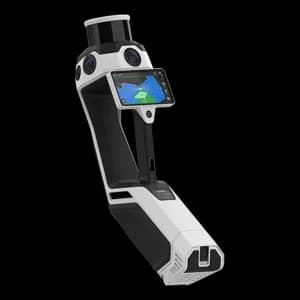
NavVis MLX
NavVis MLX is a user-friendly, handheld dynamic laser scanner that enhances AEC and surveying workflows. As a compact device, it is ideal for confined, smaller spaces or shorter, more frequent scanning on site. This professional handheld device delivers the accuracy and data quality you and your clients require.
NavVis MLX
Redefining handheld reality capture
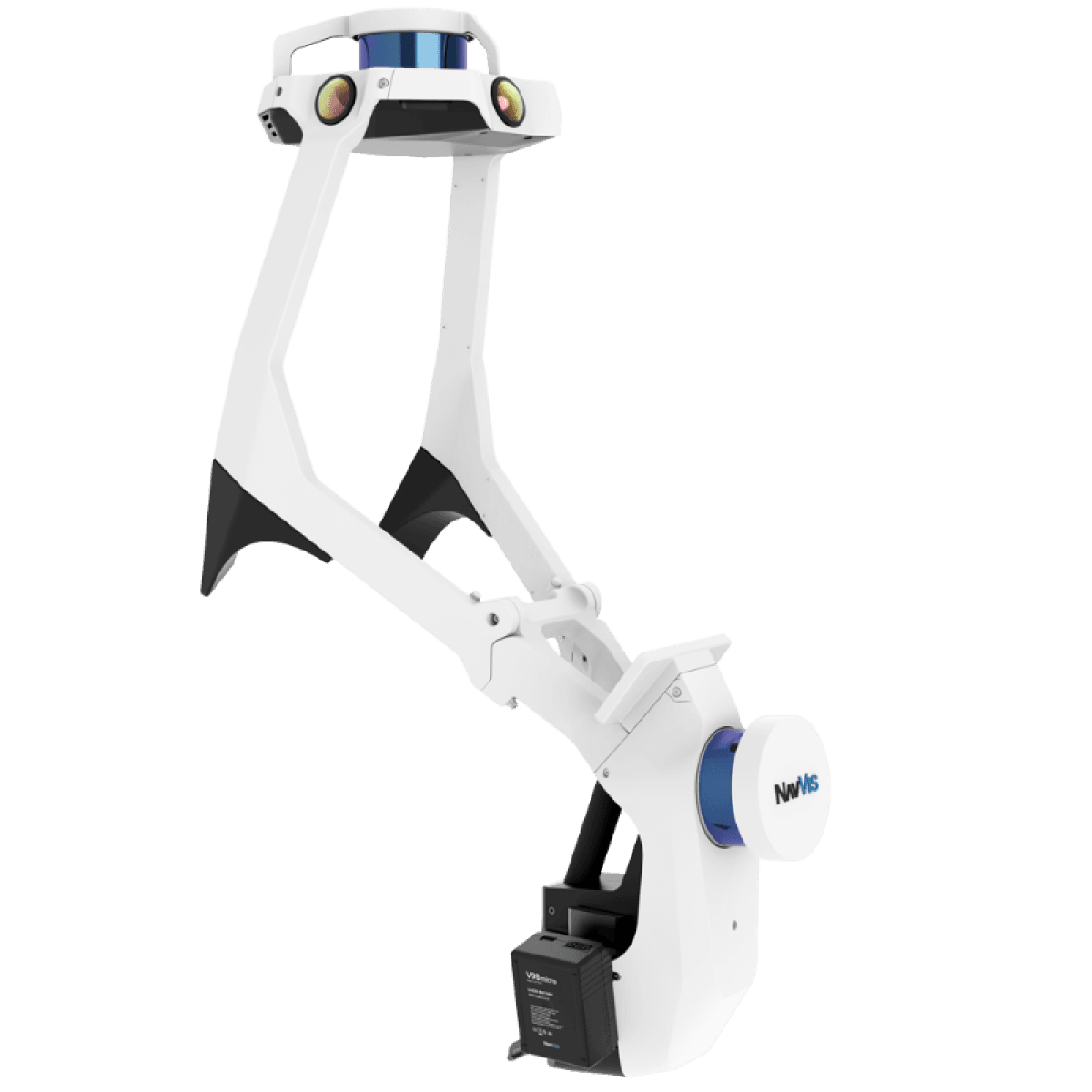
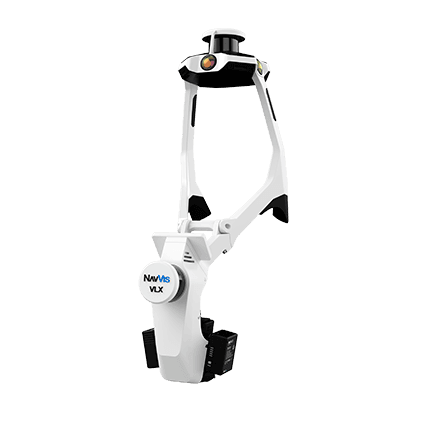
NavVis VLX 3
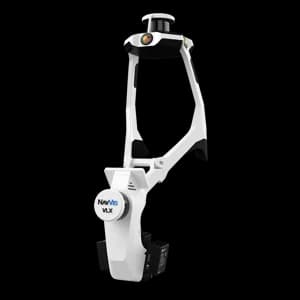
NavVis VLX 3 is the industry-leading, wearable dynamic scanning system that efficiently delivers comprehensive, highly detailed reality capture data to laser scanning professionals and surveyors for large, complex sites, both indoor and outdoor.
NavVis VLX 3
The cornerstone of reality capture
Geosystems
FAQ
1. What is the Topotronix Marketplace?
Topotronix Marketplace is a specialized platform for buying and selling new and used geodetic and metrology equipment. Private sellers, professional dealers, and companies can list their equipment, while buyers can purchase securely with the option of independent Quality Control (QC).
2. Who can sell equipment on the platform?
Private individuals
Professional dealers
Companies
During registration, you select your account type. Dealer accounts can provide additional company details such as VAT number, company registration, and logo.
3. How do I list equipment for sale?
The process is straightforward:
Register an account
Click “Sell”
Complete the product listing (description, condition, year, photos, accessories)
Set your price
Listings are published after moderation.
4. What is QC (Quality Control) and when is it performed?
QC is an independent inspection service provided through a certified inspection center.
QC is performed after the deal is agreed and before the equipment is delivered to the buyer, if the parties choose this option.
Transaction flow:
Seller → QC Center → Inspection Report → Escrow → Buyer
5. What is checked during QC?
Depending on the equipment type, QC may include:
Physical condition and wear assessment
Functional testing
Accuracy verification (where applicable)
Firmware version check
Accessories and completeness
Serial number verification
The buyer receives a structured inspection report.
6. Is QC mandatory?
No, QC is optional.
However, for high-value equipment such as GNSS receivers, laser scanners, total stations, and CMM systems, QC is strongly recommended to reduce transaction risk.
7. How are payments protected?
Topotronix uses a secure escrow payment model:
Funds are reserved on the platform
The seller receives payment only after delivery confirmation
If QC is used, payment is released after inspection completion
This protects both buyer and seller from financial risk.
8. Who can see my equipment request?
Equipment requests (Buy Request section) are visible to:
- Registered users
- Non-registered visitors browsing the platform
This increases exposure and improves the chances of receiving relevant offers.
All communication takes place within the platform’s internal messaging system, protecting your contact details.
9. Can I buy brand-new equipment on the Marketplace?
On Topotronix, equipment is organized into two distinct sections:
Marketplace features listings of used and demo equipment published by private individuals, professional dealers, and companies. This section is designed for secondary market transactions with optional QC and escrow protection.
Showroom is dedicated to brand-new equipment from official distributors and authorized dealers. Here you can purchase new products directly from verified suppliers.
Each listing clearly indicates the equipment condition and seller type, so you always understand whether you are buying used, demo, or new equipment — and from whom.
10. How does communication between buyer and seller work?
All communication is handled through the secure internal messaging system.
Users can:
Ask questions
Submit counteroffers
Discuss shipping terms
Agree on QC inspection
Need Help With NavVis Equipment?
Contact our team to learn more about NavVis mobile mapping systems, software solutions, availability, pricing, and delivery options. Our specialists will help you choose the right solution for your project.